Fast Food POS
Speed Up Orders with Modisoft Fast Food POS
Modisoft Fast Food POS helps you take orders faster, reduce mistakes, and keep lines moving, even during peak rush hours. Designed for high‑volume fast‑food restaurants, it keeps your staff focused and your customers satisfied.
Simple
We keep all similar products in one place and allow you to customize what you see on your terminal.
Reliable
Even if the network goes down, you will still be able to use the POS system to continue making transactions.
Efficient
Instead of manually counting your inventory, have our system do it for you.
Get Everything You Need to Keep Orders Moving Fast
Manage orders, updates, and workflows in one place to keep service fast from counter to kitchen. Modisoft’s intelligent agents keep everything moving smoothly with minimal delays.

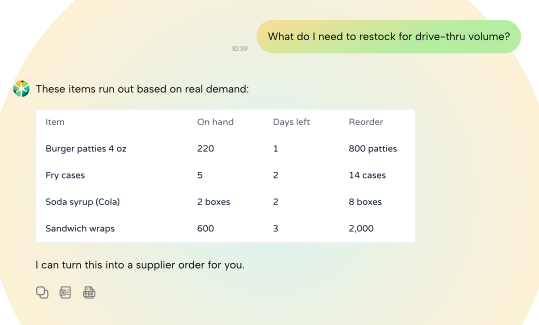
Inventory Optimization Agent
Keep essential ingredients available so your kitchen doesn’t slow down during peak times.
Serve Your Guests the Experience They Deserve
Move Orders Faster During Rush Hours
Cut down customer wait times by keeping every order under control. Modisoft Fast Food POS is built for QSR operations that depend on speed, helping you process orders, accept payments, and handle busy rushes without unnecessary delays.
 Connect your POS to handheld devices for flexible order taking
- Handle high order volumes without disrupting service flow
- Speed up checkout with fast, reliable payment processing
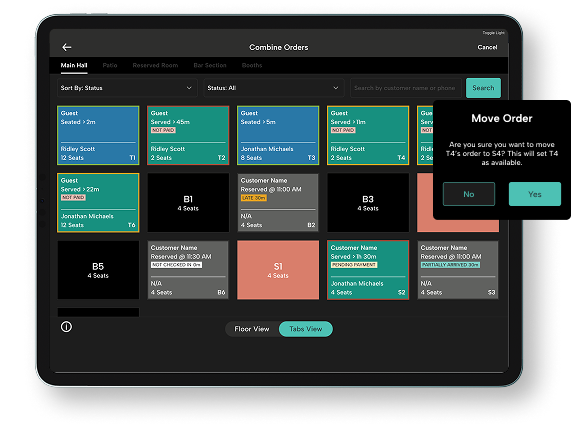
Connect Your POS Directly to the Kitchen
Eliminate paper tickets by connecting Modisoft KDS directly to your POS. With real‑time kitchen screens, you can track, prioritize, hold, and recall orders easily, keeping your front of house and kitchen aligned and reducing order mistakes during rush hours.
- Customize kitchen screens by station for faster, more organized prep
- Set prep times and order priorities to keep the kitchen on pace
- Track every order in real time from prep to completion
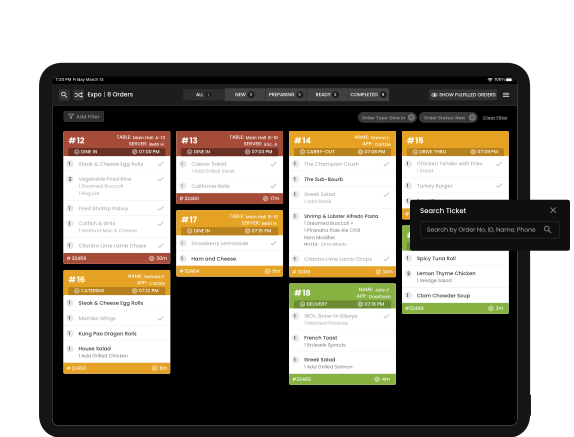
Manage All Orders from One Place
Stop managing orders manually across different systems. Modisoft Order Management syncs in‑store, online, and delivery orders into one centralized dashboard, allowing you to process high‑volume orders while staying organized during busy rush hours.
- Automatically receive DoorDash and Uber Eats orders without manual re‑entry
- View and manage counter, online, and delivery orders in one system
- Keep order flow consistent during busy lunch and dinner periods
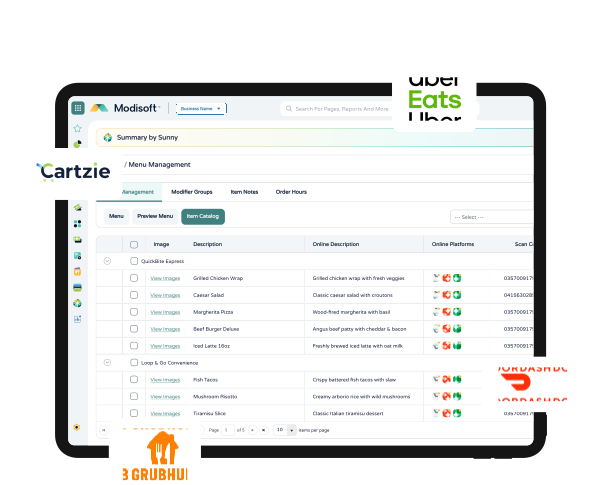
Take More Orders Without Longer Lines
Handle more orders without added stress. Modisoft Online Ordering lets customers place pickup orders ahead of time, routing them straight into your POS and kitchen workflow so counter service stays fast and lines stay under control, even during peak hours.
- Accept online pickup orders that route directly into your POS
- Give customers a fast, mobile‑friendly ordering experience
- Keep online menus synced with in‑store availability
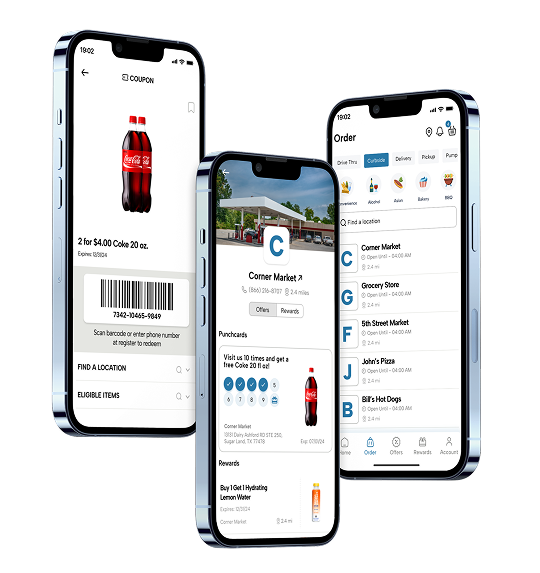
Don’t Let Rising Costs Slow Down Your Profits
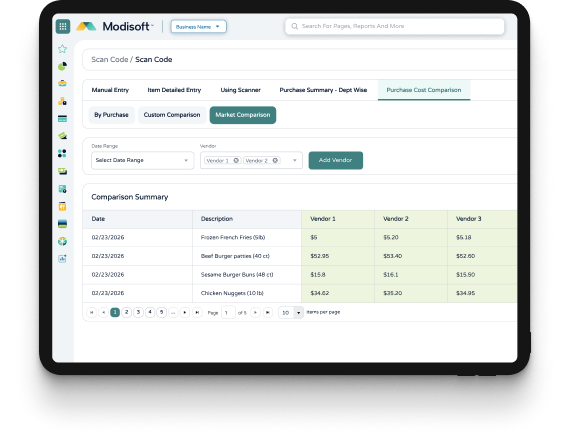
Rising ingredient prices can quickly eat into your margins during busy shifts. Purchase Cost Comparison helps you stay ahead so every order stays profitable. Make faster adjustments before small cost changes turn into bigger losses across your menu.
- Catch cost increases early on high‑volume menu items
- Compare supplier pricing to avoid overpaying
- Keep your pricing aligned as local costs change
Switch to a Smarter Way to Run Fast‑Food Operations
See how Modisoft Fast Food POS helps high‑volume restaurants move faster, stay organized, and stay in control during every rush.
Modisoft Handheld
Coming soonRugged and reliable, this mobile terminal shrugs off drops, dust, and splashes so service never skips a beat.
Tools That Help You Grow and Stay Competitive
As your restaurant grows, Modisoft grows with you. Extend your Full Service Restaurant POS with additional tools designed to support staffing, simplify expansion, strengthen guest loyalty, and improve visibility across your operation.

Employee Management
Schedule shifts, track time, and manage payroll without slowing down operations.


Multi-Location Management
Monitor performance, manage pricing, and maintain
consistency across all locations from one central system.

Tips Management
Offer flexible tipping options at checkout while keeping payouts simple and transparent for your team.

Recipe Suite
Maintain consistency across locations by standardizing recipes and portions without adding complexity for staff.

Cartzie
Encourage repeat visits with loyalty programs, promotions, and targeted campaigns designed for fast‑food customers.

Payments
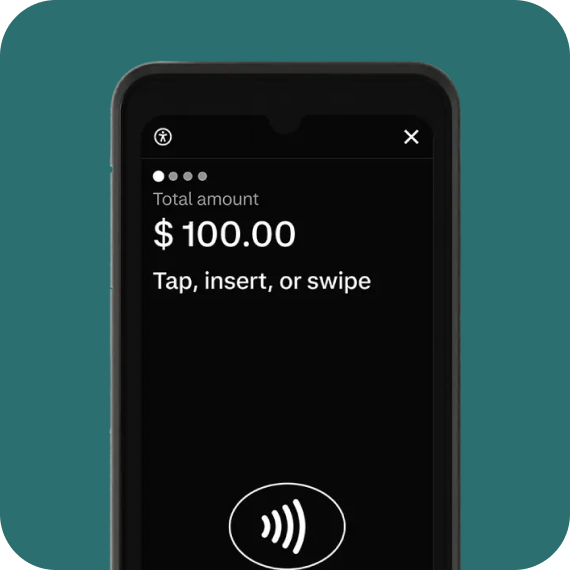
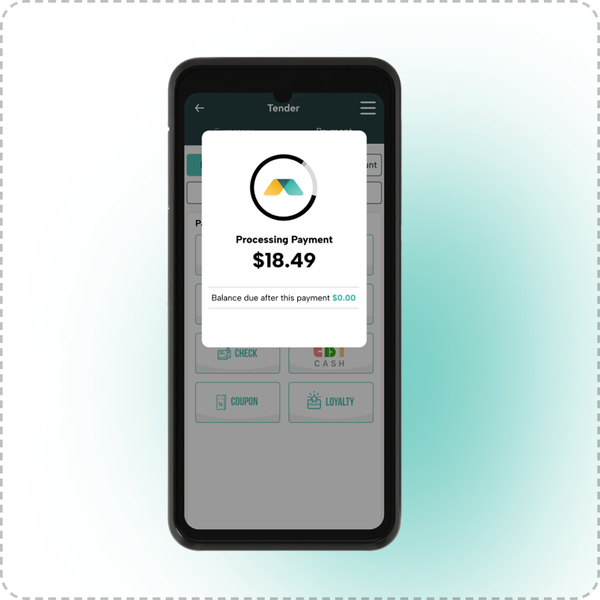
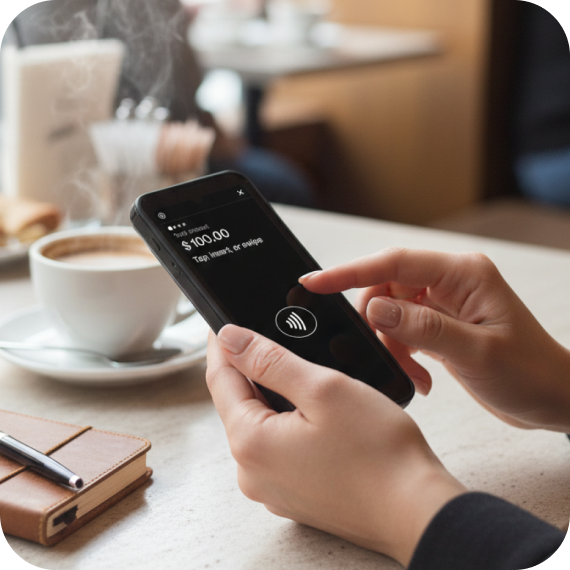
Accept in-store and mobile payments with secure processing and flexible hardware designed to keep service fast and uninterrupted.
Empowering Growth Together
 Cibolo Market
Cibolo Market’s Modern Makeover: Smarter Systems, Better Service
 FavTrip
Building Loyalty & Efficiency: How FavTrip Leveled Up with Modisoft
 Grab-N-Geaux
From Bayou to Breakthrough: Grab-N-Geaux’s Louisiana Success
 Graboost
Data in Motion: How Graboost Uses Insights to Drive Growth
 Mak's Convenience
Managing Growth with Confidence: Mak’s Operational Transformation with Modisoft
 Orange Market
Meeting Students Where They Are: How Orange Market Went Digital with Modisoft
 Roadster
Driving Expansion with Data: Roadster’s Journey to Smarter Operations
 Time Mart
Fueling Loyalty: How Time Mart Keeps Customers Coming Back
PRICING
Powerful POS doesn’t have to break the bank.
Affordable plans for every business.

Ready to Get Started?
Speak with a POS expert and learn how Modisoft can help your business.
FAQ
Does Modisoft work with online and delivery orders?
Yes. Modisoft syncs in‑store, online, and third‑party delivery orders into one centralized workflow, allowing your team to manage all incoming orders without manual re‑entry or confusion.
Is Modisoft easy for staff to learn and use?
Absolutely. Modisoft features an intuitive interface built for fast‑paced environments and high staff turnover. Most teams can start using the system quickly with minimal training.
What happens if the internet goes down?
Modisoft’s POS system includes offline functionality, allowing you to continue operating even when internet connectivity is unavailable. Any sales data collected while offline is automatically synced to the cloud once the internet connection is restored, so no transactions are lost.
Does Modisoft support tipping for fast‑food restaurants?
Yes. Modisoft supports tipping at checkout, allowing customers to add tips based on your restaurant’s service model. Tipping options can be enabled or adjusted to match your fast‑food operation’s needs.
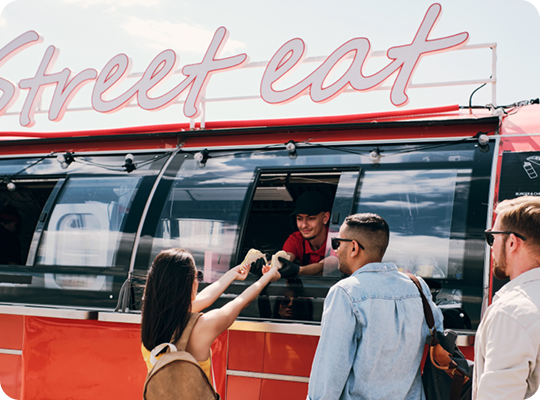
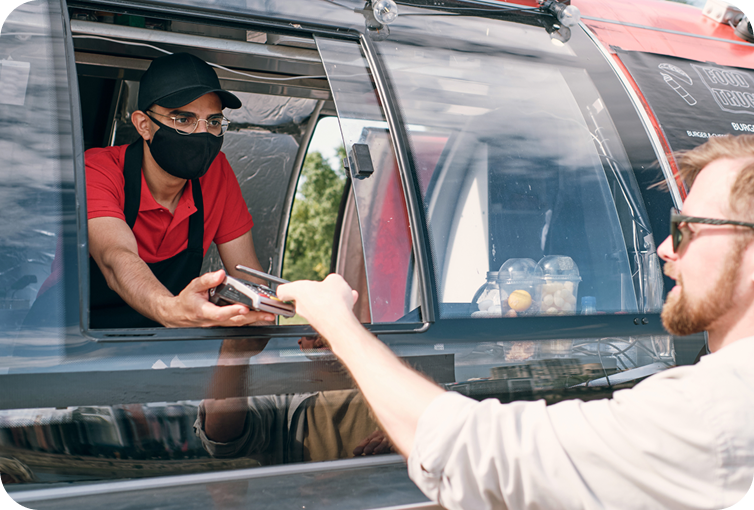
Is Modisoft suitable for food trucks or takeout‑focused restaurants?
Yes. Modisoft works well for food trucks, takeout‑only concepts, and fast‑food restaurants by supporting mobile POS, online ordering, and fast checkout in compact, high‑traffic environments.